Remind Me Later - How it Works
हिंदीSave any Job or Admission and receive reminders at 7 days, 3 days, 1 day, and on last date.
- Open any Job or Admission detail page.
- Click Remind Me Later.
- Choose at least one channel: email or browser push notification.
- Save reminder once. We schedule all reminder checkpoints automatically.
When You Will Be Notified
D-7: 7 days before last date
D-3: 3 days before last date
D-1: 1 day before last date
D0: On last date
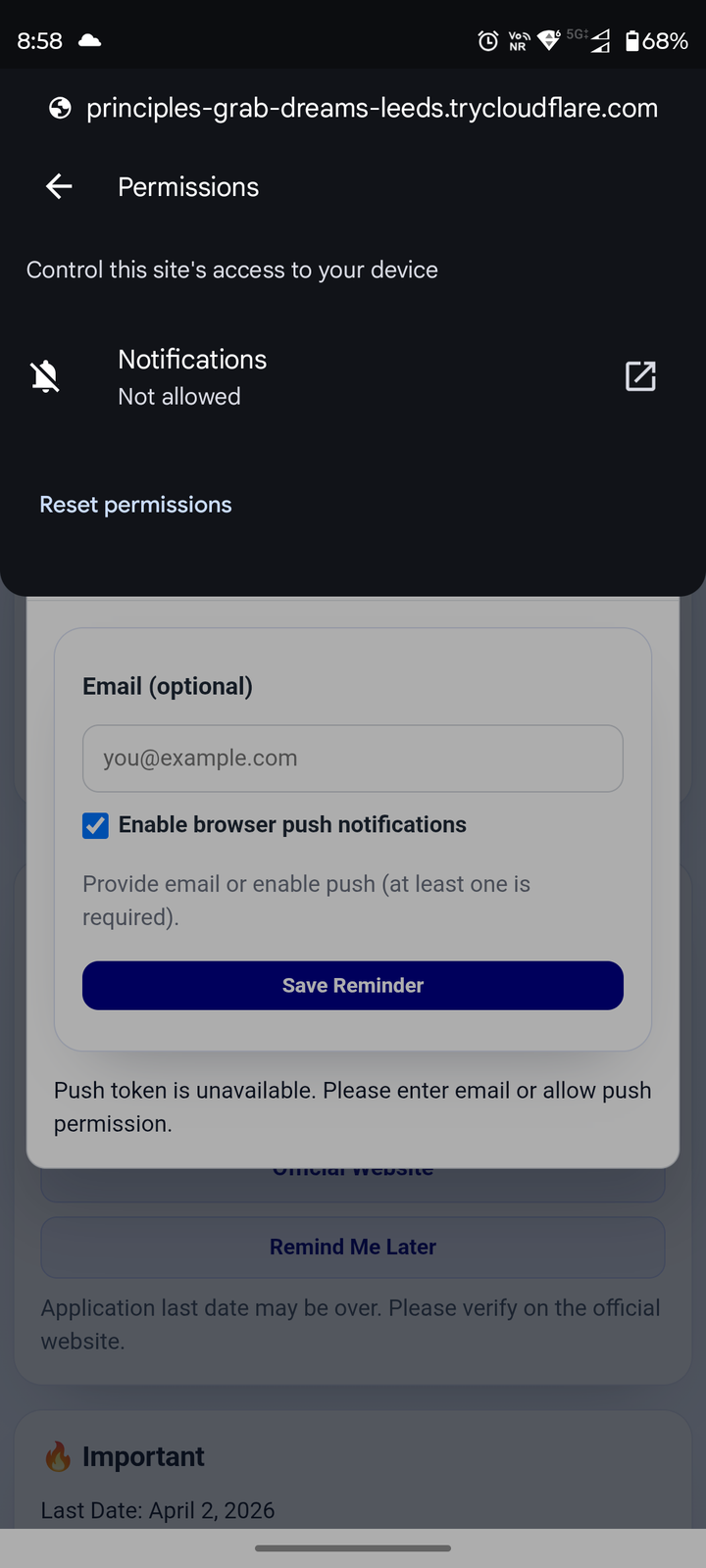
Allow Push Notifications (Quick Steps)
- Open reminder modal and enable browser push checkbox.
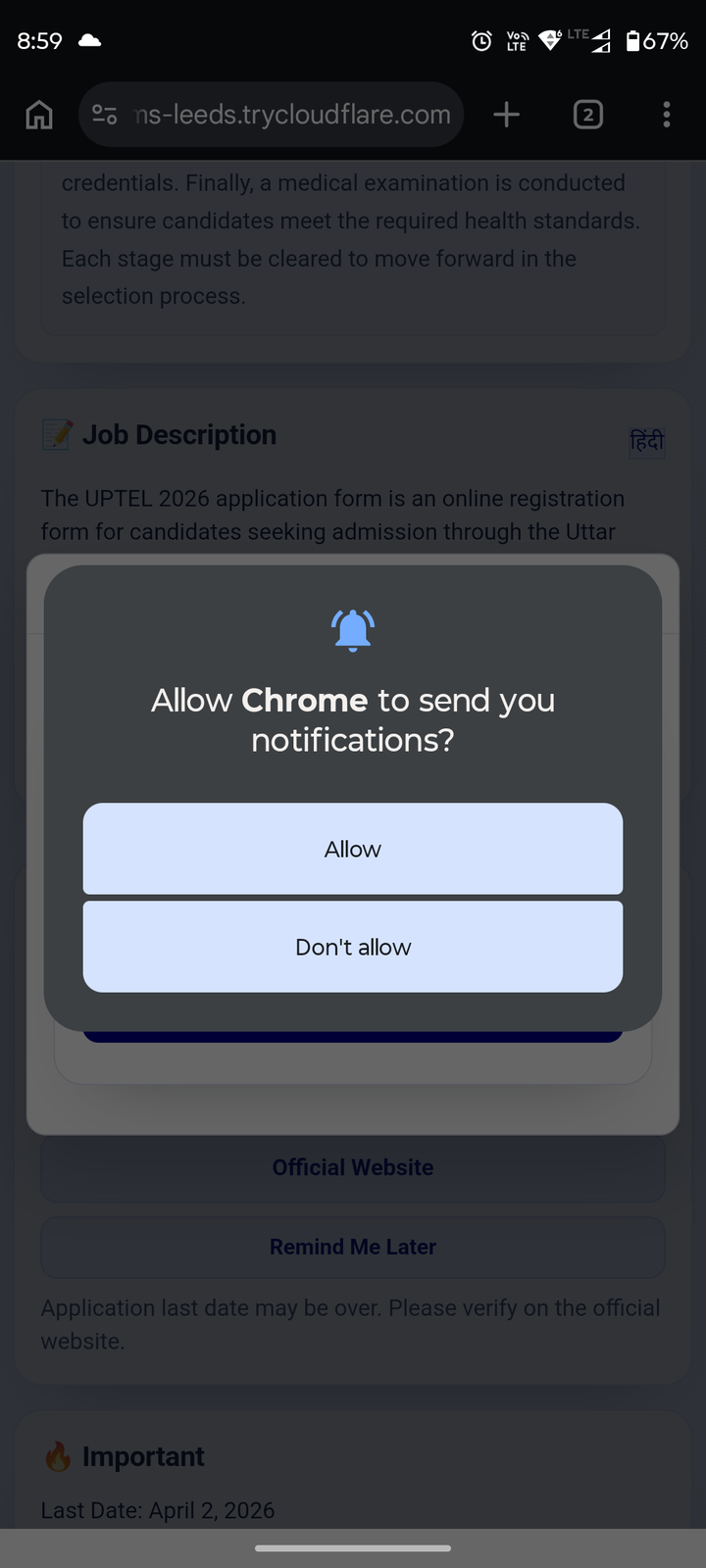
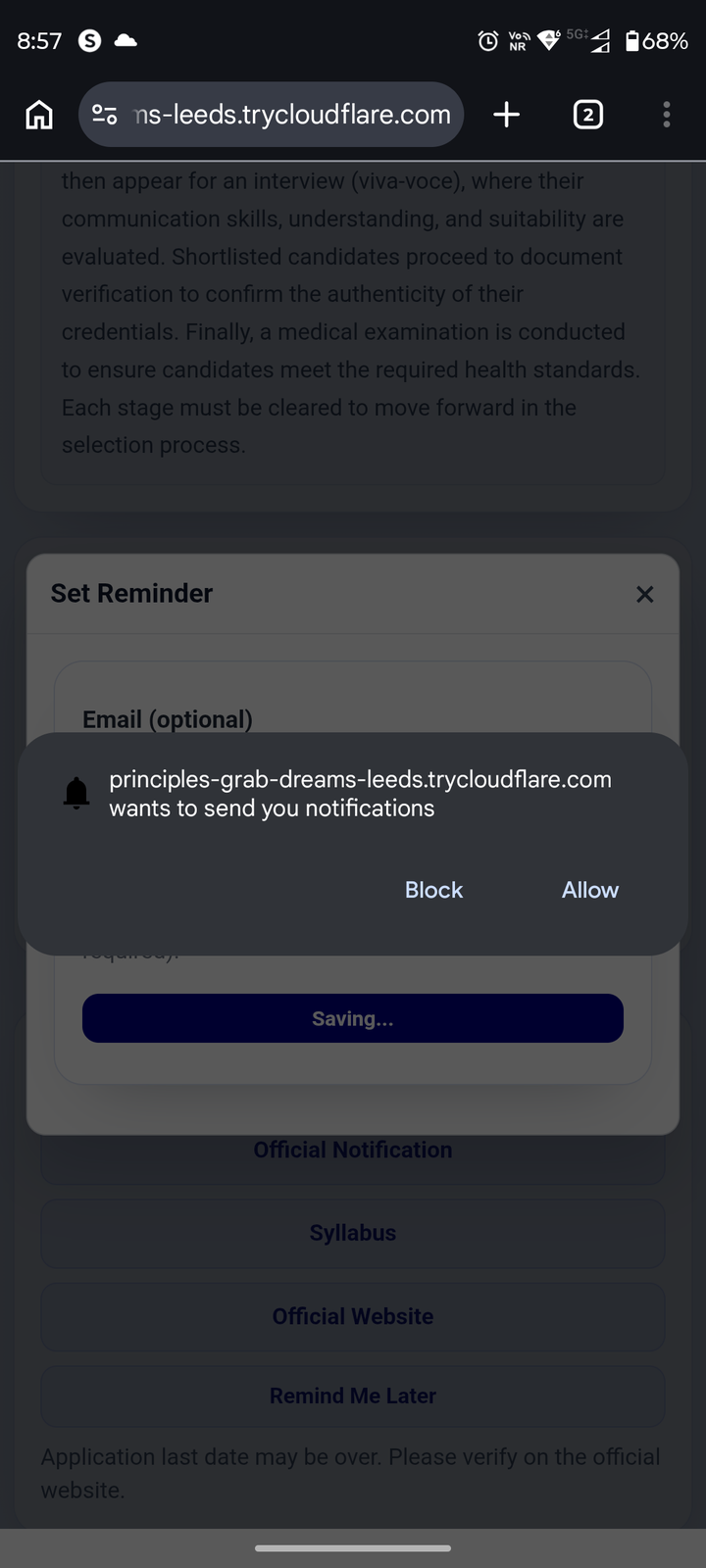
- Tap/click Allow when browser permission popup appears.
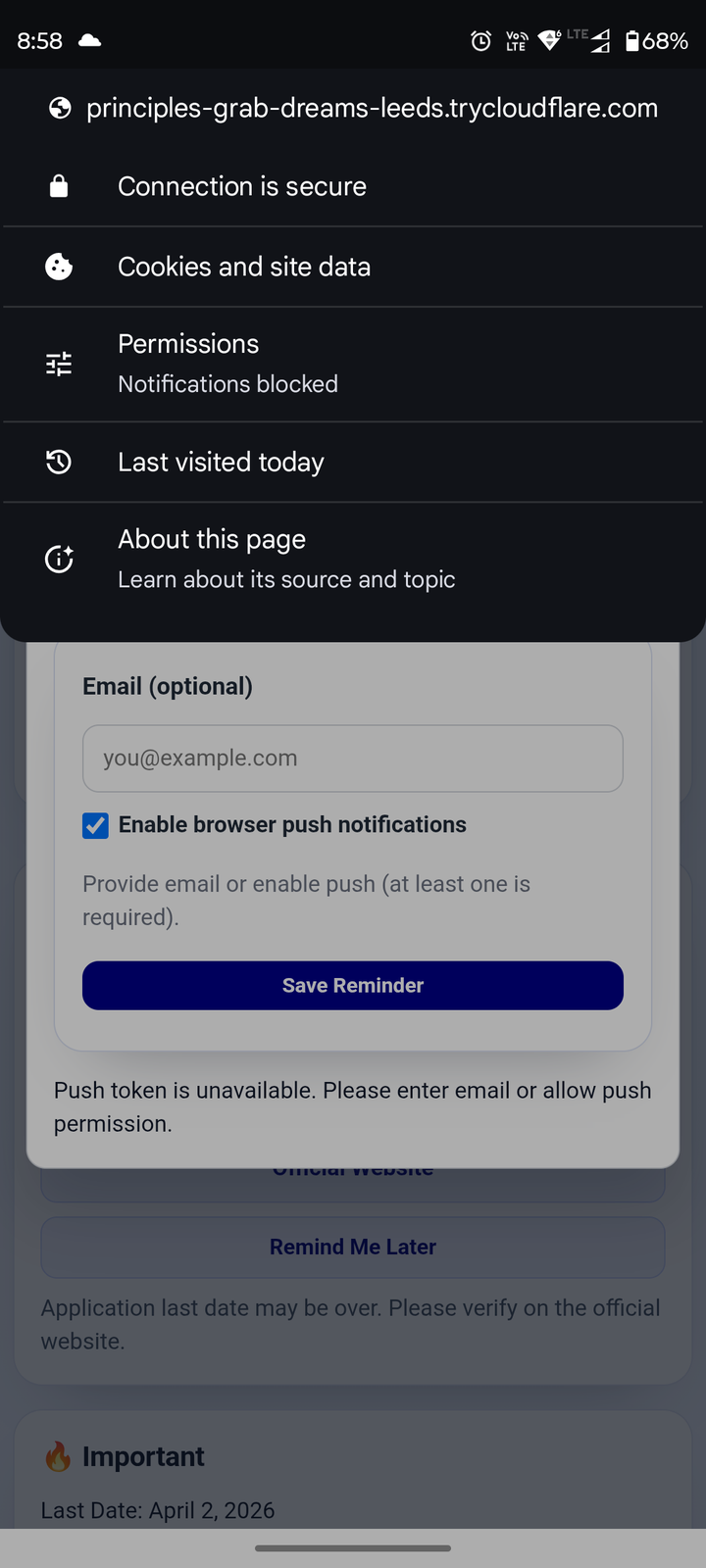
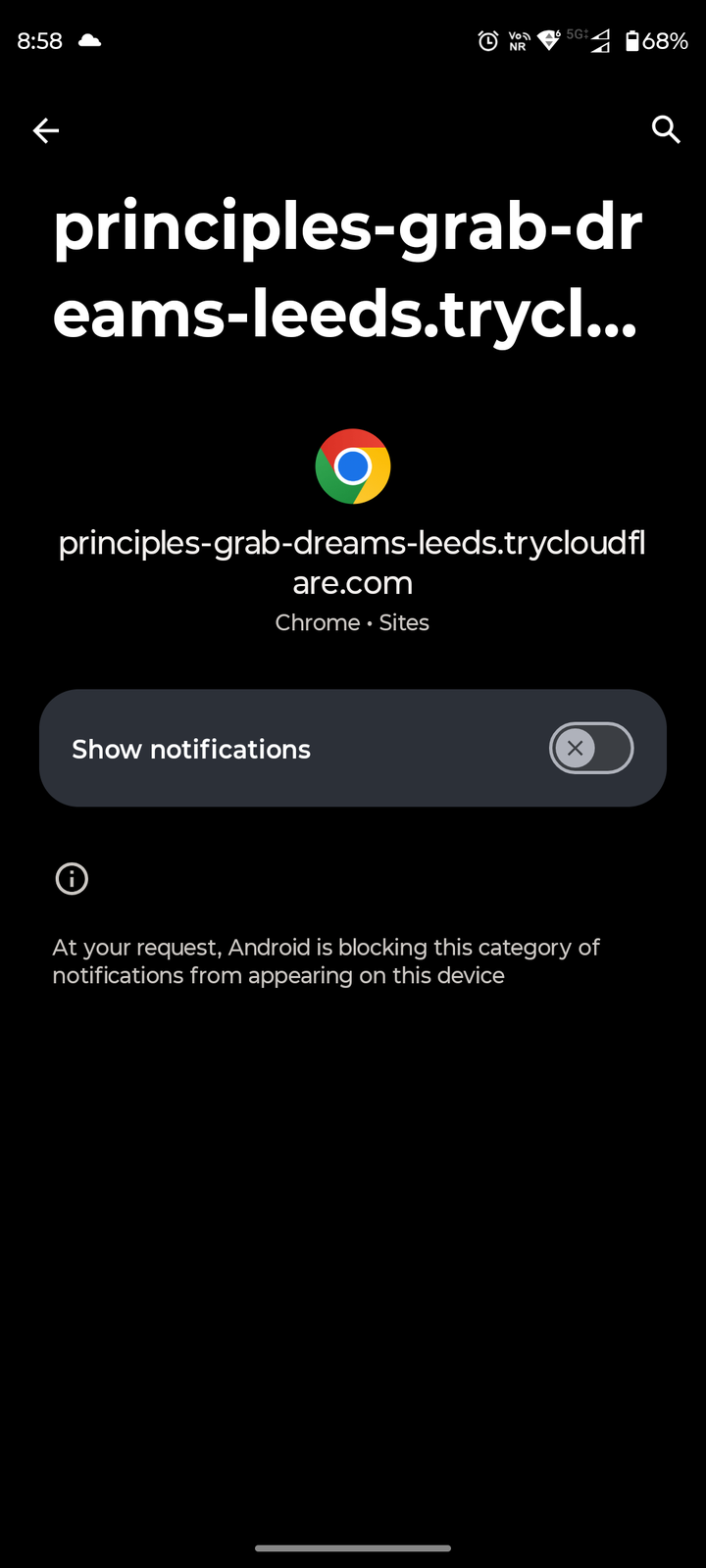
- If blocked earlier, use site permission settings to unblock notifications.
If Notifications Are Blocked - Unblock Guide
Follow the visual steps below (desktop + mobile).